






.mjsAesthetic Computer
JavaScript against AC’s own API: paint, wipe, ink, sound, input, multiplayer.
function paint({ wipe }) {
  wipe("pink");
}
export { paint };
The making harness of Aesthetic Computer. Describe a piece; an engine writes it; it plays live on your phone and publishes to your @handle.
Apple silicon · macOS 14+
Windows 10/11 · x64 · hosted engine
curl -fsSL https://prompt.ac/aesel.sh | sh
the terminal harness, then type a
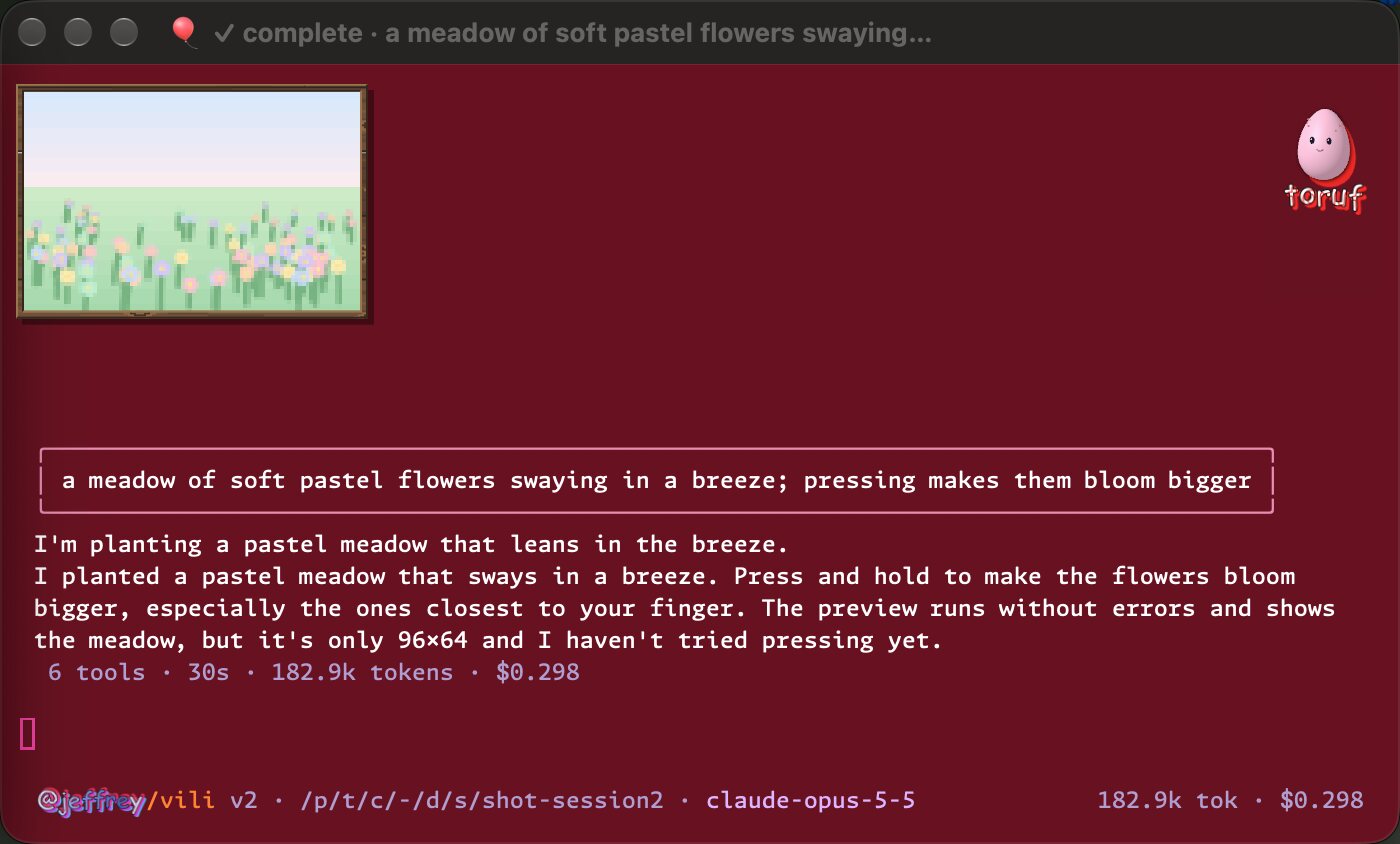
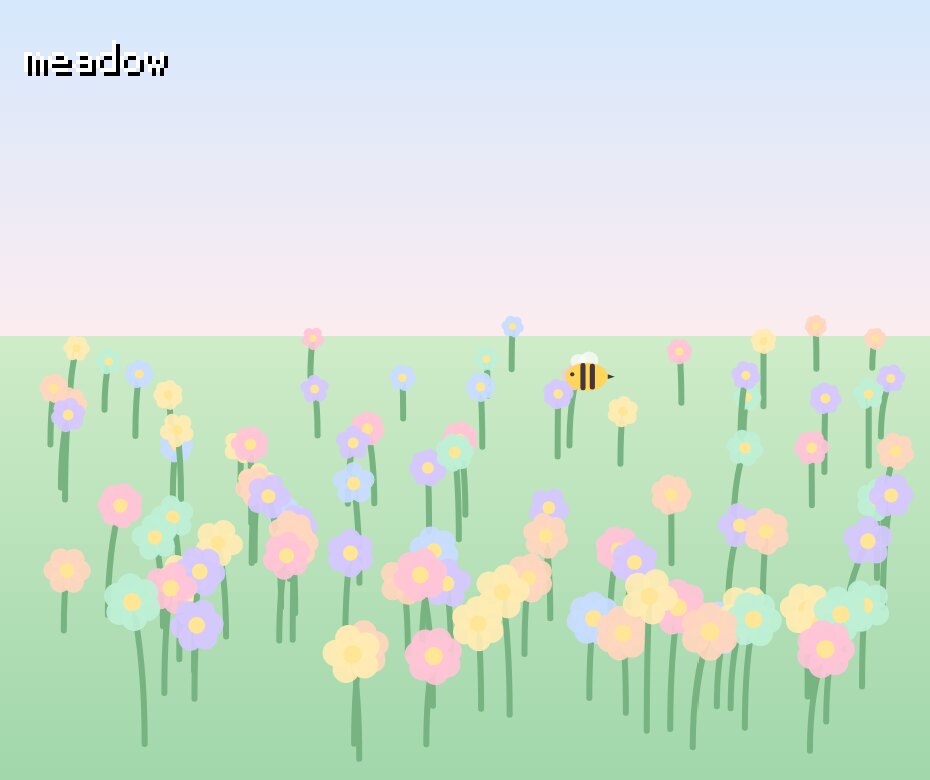
.p5 piece it made, running on Aesthetic Computer.Aesel is the part of Aesthetic Computer you talk to. It holds the conversation and the files; an engine does the writing; Aesthetic Computer runs and keeps what you make.
.mjs .lisp .p5 .l5every save is a version on your machineaesthetic.computer/@you/name. /versions lists them; /rollback adds, never erases.Pick with /runtime or --runtime. All four push live and publish to your @handle.
.mjsJavaScript against AC’s own API: paint, wipe, ink, sound, input, multiplayer.
function paint({ wipe }) {
wipe("pink");
}
export { paint };.lispAC’s small Lisp for generative art — a whole piece in a line.
(wipe "pink")
(ink "yellow")
(circle 128 128 64).p5Real p5.js, the Processing most people already write — running inside an AC piece.
function setup() {
  createCanvas(windowWidth, windowHeight);
}
function draw() {
  background(255, 184, 220);
}.l5Aesthetic Computer’s own Processing, in Lua.
-- moss
function draw()
  background(255, 184, 220)
  circle(width / 2, height / 2, 64)
endPieces are the heart of it. /medium turns the same conversation toward other kinds of work.
| medium | formats | what you get |
|---|---|---|
| piece | application/javascript text/x-lisp .p5 .l5 | a live, published Aesthetic Computer piece |
| brush | application/javascript | a nopaint.art brush; the painting, undo and zoom come with it |
| picture | image/png image/jpeg image/webp | a layered 512 × 512 picture; each accepted change adds a layer |
| sound | audio/wav audio/mpeg audio/ogg | a score on a shared beat grid, synthesized |
| paper | application/pdf text/plain | an archival LaTeX paper with its source inside |
| Game Boy | application/x-gameboy-rom | a real ROM, built and checked, playing in AC’s emulator |
Anything up to 8 MiB can go to mime.ac under your @handle: aesthetic mime file "caption".
AC hosted Nothing to install. Paid in braincells on your @handle; the first launch starts here.
Claude · Codex Bring your own subscription through its CLI.
OpenRouter Bring your own key for open models.
Switch any time with /backend and /model. Outside a piece, Aesel is a general harness that runs with your own settings, skills and MCP servers.
Drag Aesel to Applications, open it, and sign in with your Aesthetic Computer account.
aesel opens the app from a terminal. a runs the harness in the terminal.
Run the installer, open Aesel, and sign in with your Aesthetic Computer account in your browser. Requires Microsoft WebView2 Runtime.
This beta uses the hosted engine; Claude and Codex are not included. The installer is unsigned, so Windows may show an unknown-publisher or SmartScreen notice.
curl -fsSL https://prompt.ac/aesel.sh | sh installs the harness and links a, ac and aesel. /update brings it up to date from inside.
Conversation context goes to the engine that generates your work. Pieces publish to your @handle; notebooks and versions stay on your device. Privacy policy